Using Terraform in Azure Cloud from Ubuntu 26.04
por Carles Mateo
 Technical books
Cloud
DevOps
Microsoft Azure
Ubuntu
Azure
Cloud
DevOps
Linux
Symfony
Systems
Terraform
Ubuntu
Most teams that run workloads on Azure reach the same point sooner or later. The first few resources were created by hand in the portal, a few more with Azure CLI scripts, and now nobody is completely sure which settings are deliberate, which are accidents, and how to build the same thing again for a new customer or a second region. Infrastructure as Code is the answer to that problem, and Terraform is the most widely used tool for it.
This book teaches you to describe Azure infrastructure in Terraform, to change it safely, and to run it as a team, all from an Ubuntu 26.04 LTS workstation. It is deliberately practical: every chapter ends with something you can deploy, inspect and destroy, and every example in the text is a real file you can find in the code samples.
Who this book is for
The book is written for system administrators, developers and DevOps engineers who are comfortable on a Linux command line but are new to Terraform, new to Azure, or both. You should know how to edit a file, use ssh, install a package with apt and read a little YAML or JSON. You do not need previous experience with any cloud provider. When an Azure concept matters (subscriptions, resource groups, role assignments, virtual networks) it is explained the first time it appears.
If you already use Terraform with another cloud, Parts I and II will go quickly, and you can concentrate on the azurerm provider, the Azure-specific patterns in Part III and the operational chapters in Part V. If you know Azure well but have only used the portal, ARM templates or Bicep, Chapter 1 explains where Terraform fits and the rest of the book shows you how the same resources look in HCL.
What you will build
You start small: a configuration that writes a file on your own machine, then a single tagged resource group in Azure. From there each chapter adds one layer: networks, virtual machines, storage, Key Vault, reusable modules, several environments, monitoring, Kubernetes and Platform-as-a-Service offerings.
Two project chapters bring everything together:
- Chapter 18 deploys WordPress on Azure App Service for Linux, backed by Azure Database for MySQL Flexible Server.
- Chapter 19 deploys a Symfony PHP application on a Linux virtual machine scale set behind an Azure Load Balancer, again backed by MySQL Flexible Server, with cloud-init bootstrapping the servers.
Both projects are built with the same conventions you learn along the way, so you can reuse their structure for your own applications.
How the book is organised
The book has five parts and six appendices.
- Part I, Foundations (Chapters 1–4). What Infrastructure as Code is and how Terraform works, preparing Ubuntu 26.04, installing the Azure CLI and authenticating, and your first deployment.
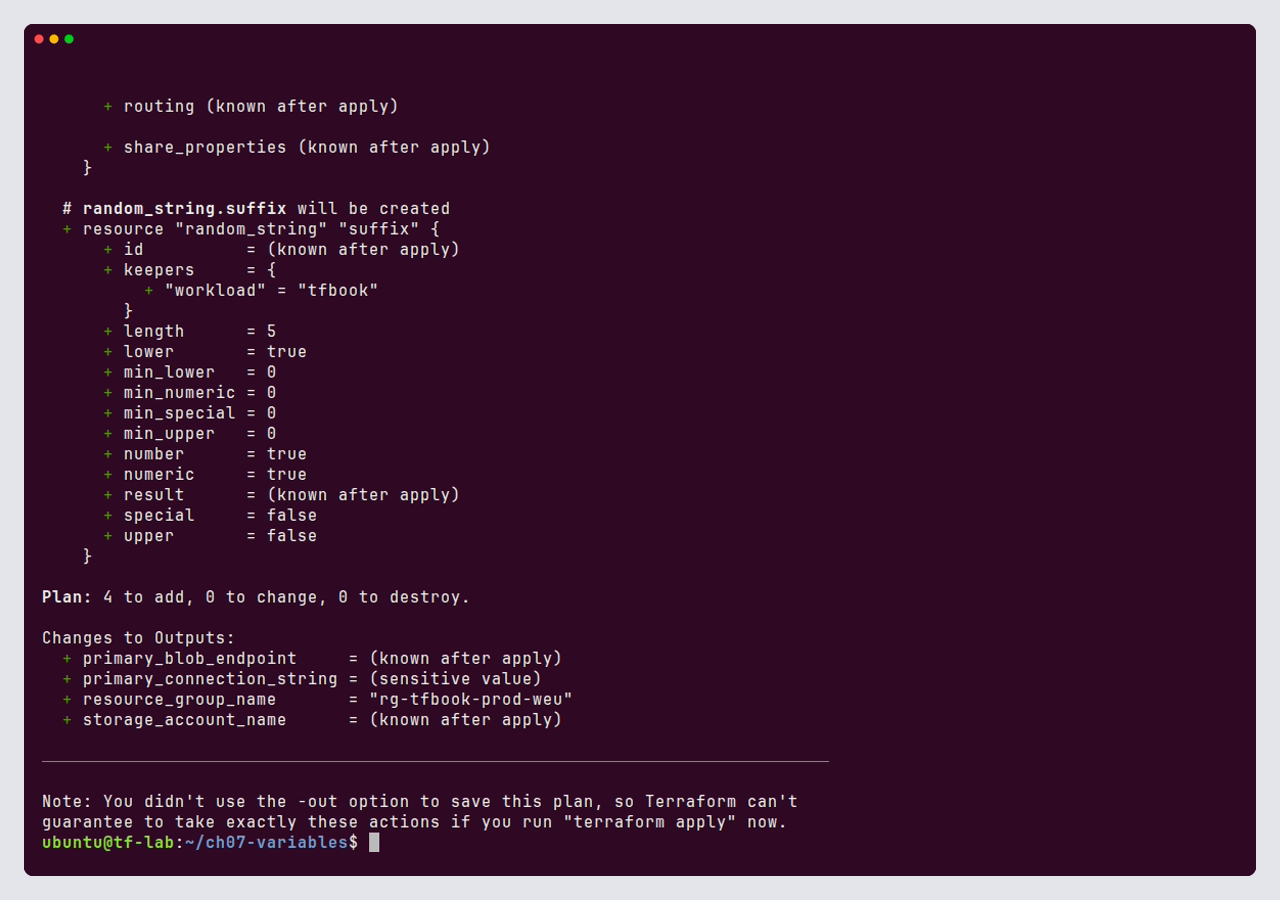
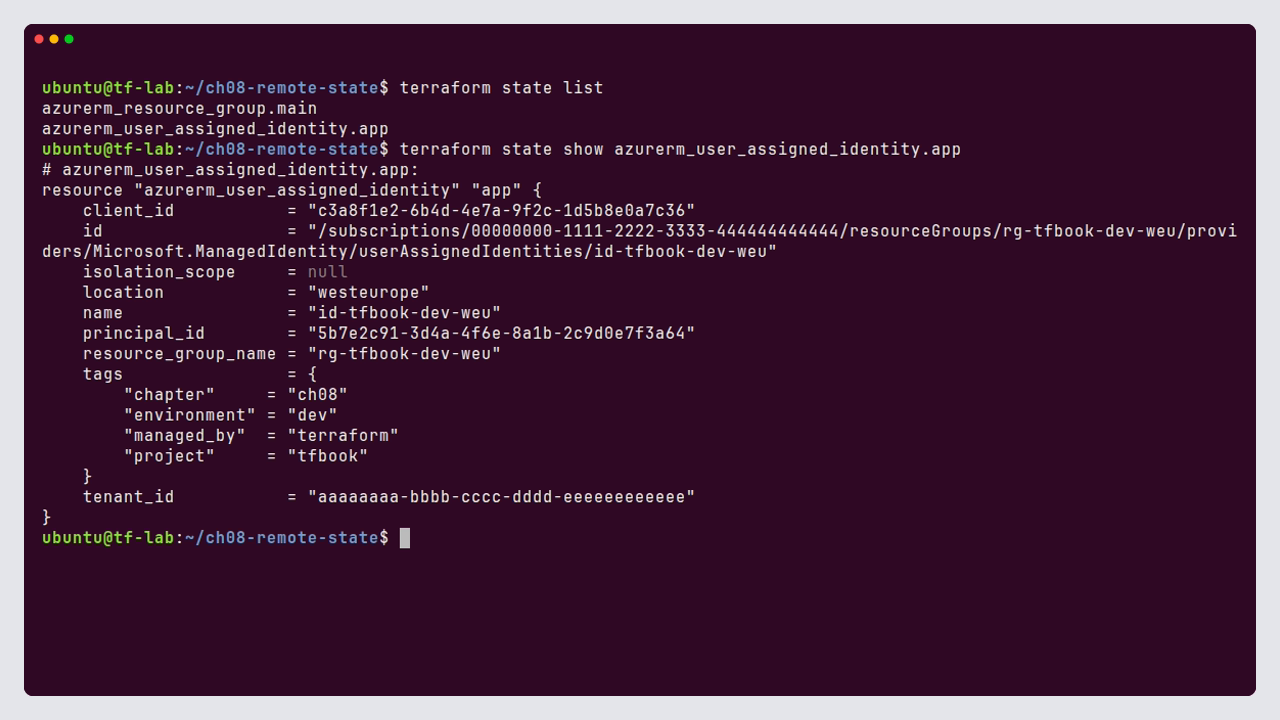
- Part II, The Terraform Language and Workflow (Chapters 5–8). HCL fundamentals, the azurerm provider in depth, variables, locals and outputs, and Terraform state.
- Part III, Building Azure Infrastructure (Chapters 9–15). Networking, Linux virtual machines, storage, Key Vault and secrets, modules, meta-arguments (
count,for_each,depends_on,lifecycle), multiple environments, and monitoring and diagnostics. - Part IV, Platforms and Real Applications (Chapters 16–19). Azure Kubernetes Service; App Service, Azure Functions and PostgreSQL; and the two complete projects described above.
- Part V, Operating Terraform Professionally (Chapters 20–24). Importing existing resources and dealing with drift, testing and policy, CI/CD pipelines, security, governance and cost, and troubleshooting.
- Appendices. A: Terraform and Azure CLI cheat sheet. B: Cleanup checklist. C: Glossary. D: Further resources. E: Using the code samples ZIP. F: Revision history.
Read Parts I and II in order. After that, the chapters in Part III build on each other but you can jump to a topic you need; cross-references tell you when a section depends on something earlier.
Software versions
Every command and code sample was checked with the following versions in November 2026:
| Component | Version | Constraint used in the code |
|---|---|---|
| Ubuntu | 26.04.1 LTS (Resolute Raccoon) | — |
| Terraform | 1.17.2 | required_version = ">= 1.10" (chapters that need newer features say so) |
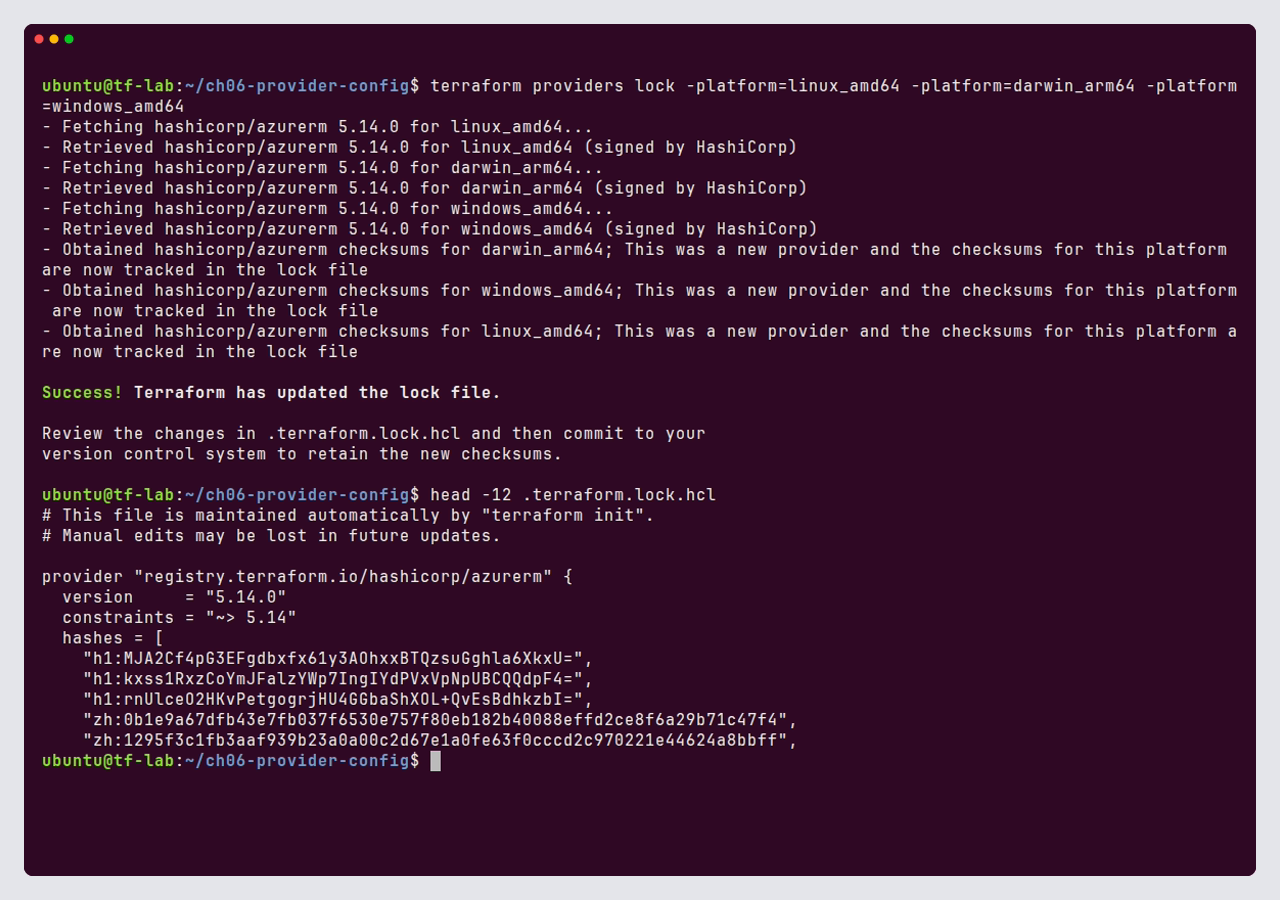
| hashicorp/azurerm | 5.14.0 | version = "~> 5.14" |
| Azure/azapi | 2.14.0 | version = "~> 2.14" |
| hashicorp/azuread | 3.10.0 | version = "~> 3.10" |
| hashicorp/random | 3.9.1 | version = "~> 3.9" |
| hashicorp/tls | 4.4.2 | version = "~> 4.4" |
| hashicorp/kubernetes | 3.5.0 | version = "~> 3.5" |
| hashicorp/helm | 3.3.0 | version = "~> 3.3" |
| hashicorp/local | 2.9.1 | version = "~> 2.9" |
| hashicorp/http | 3.6.3 | version = "~> 3.6" |
| Azure CLI | 2.93.0 | — |
| TFLint | 0.66.0 | — |
| Trivy | 0.76.2 | — |
Newer patch and minor releases should work without changes; the pessimistic constraints (~>) in the code allow them. Major releases can remove arguments, and the azurerm provider is a good example: version 5 removed many arguments that were deprecated in 3.x and 4.x. If you find a blog post or an older example that does not validate, the provider version is the first thing to check. Chapter 6 explains how to read the provider documentation for the exact version you use.
- Terraform Azure Book Code Samples v.1.0.0 (242.3 KB)